Hi everyone!! It’s been such a long time since my last post!! Today I’m going to try setting up a modded Minecraft server on Google Cloud.
Even with a modded server up and running, you’ll need to install Forge and add the same mods to Minecraft on your own computer to use them on the server. So let’s install Forge first.
Here’s the link for Forge:
http://files.minecraftforge.net/maven/net/minecraftforge/forge/index_1.12.2.html
Minecraft Forge
Minecraft Forge
files.minecraftforge.net
You can download it there.
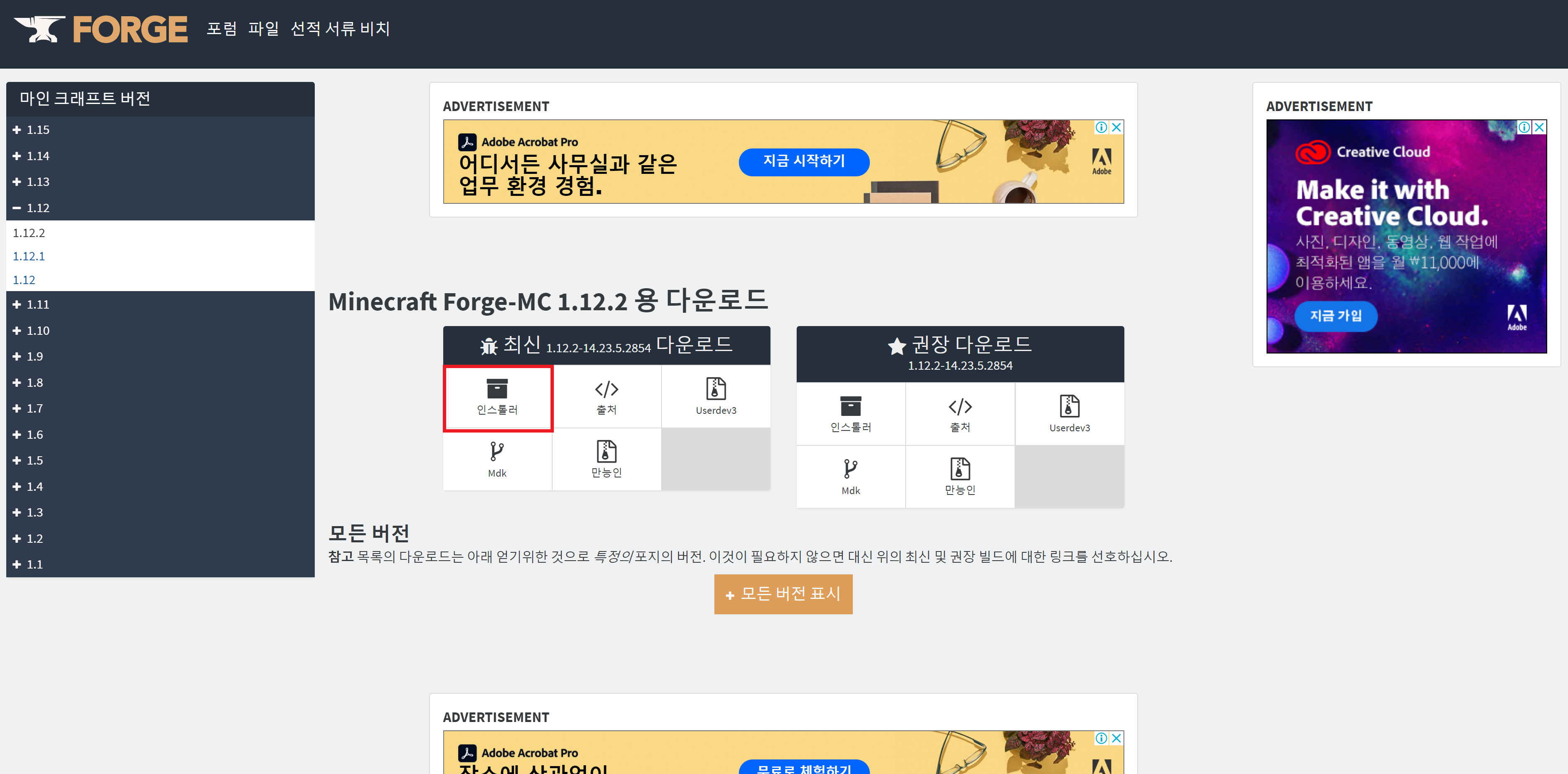
Follow that link and click the part I’ve boxed in red to download it. I’ll attach the file here too, though.
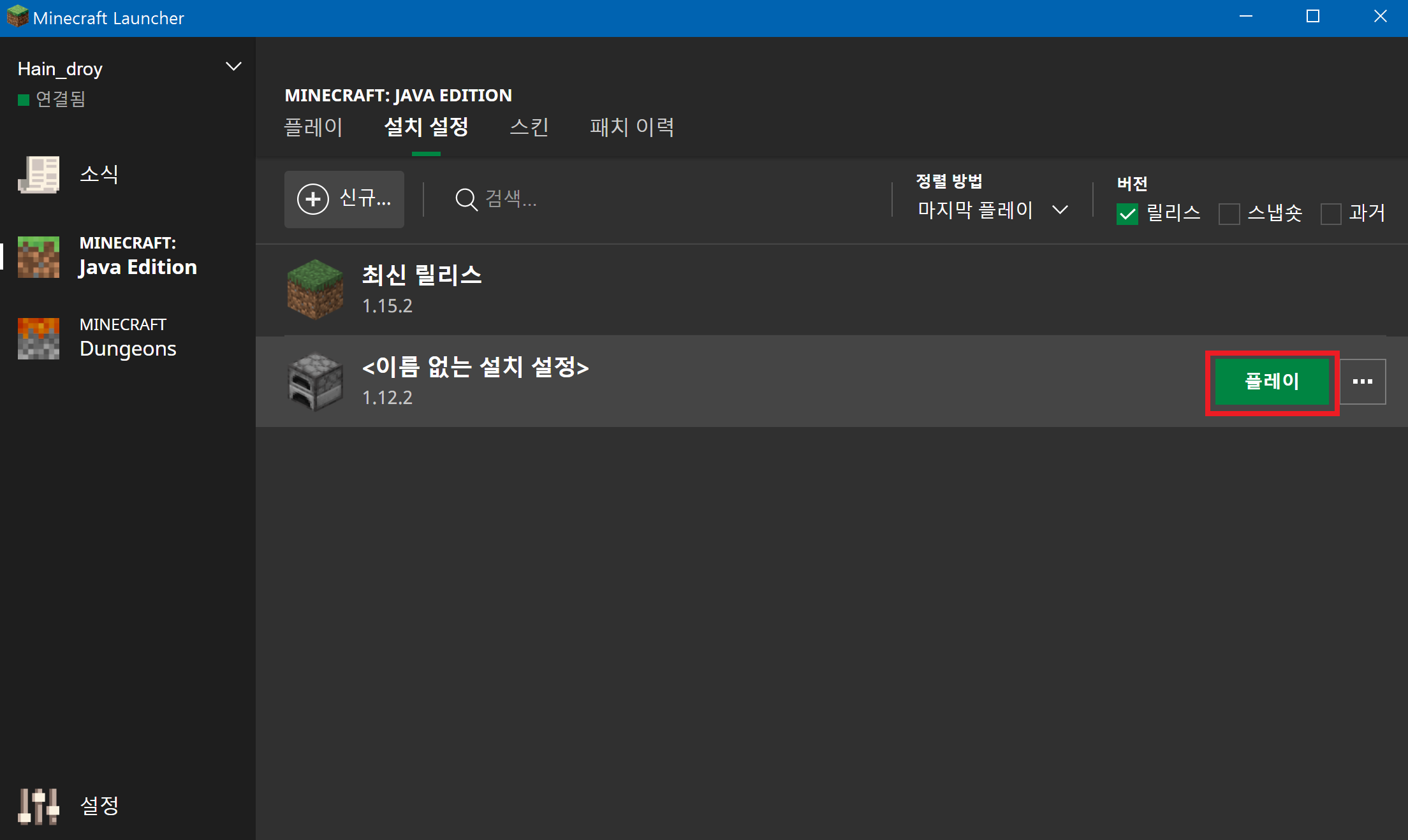
Next, open Minecraft and run through the installation once.
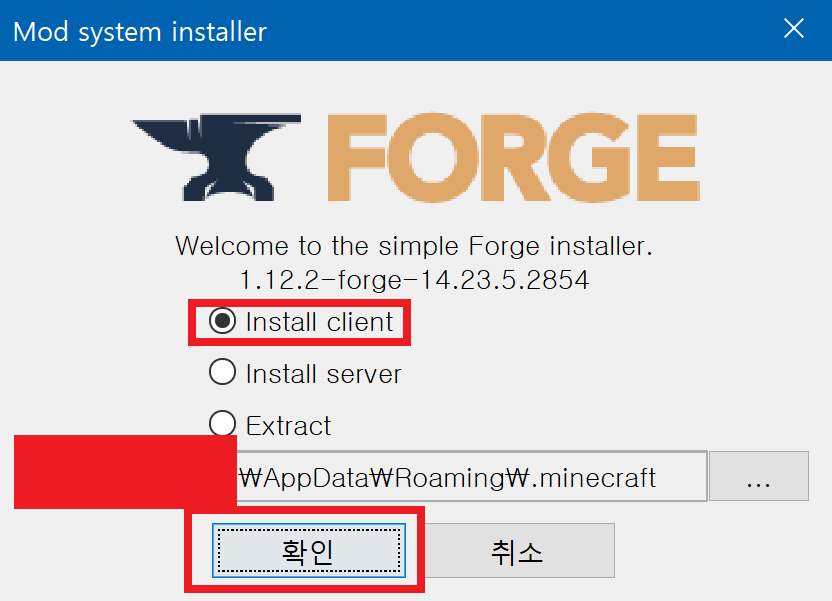
Then install Forge in the folder where Minecraft is installed, as shown in the screenshot above.

https://www.koreaminecraft.net/index.php?mid=mod&extra_vars2[0]=1.12.2&page=30&document_srl=577530
더럽혀진 땅 / Defiled Lands: A New Adventure! - Mods - Korean Minecraft Forum
| Mod name 더럽혀진 땅 / Defiled Lands | About the mod It’s a new adventure! Here are the items~ Certain areas change, and when you enter one of those areas, even the sky changes color.
www.koreaminecraft.net
I tried running a server with this mod just to see how it would go!!
It won’t run without the Baubles mod, so if you’d like to try it out, make sure you download Baubles too.
Once Forge is installed, launch Minecraft with Forge once, then close the game.
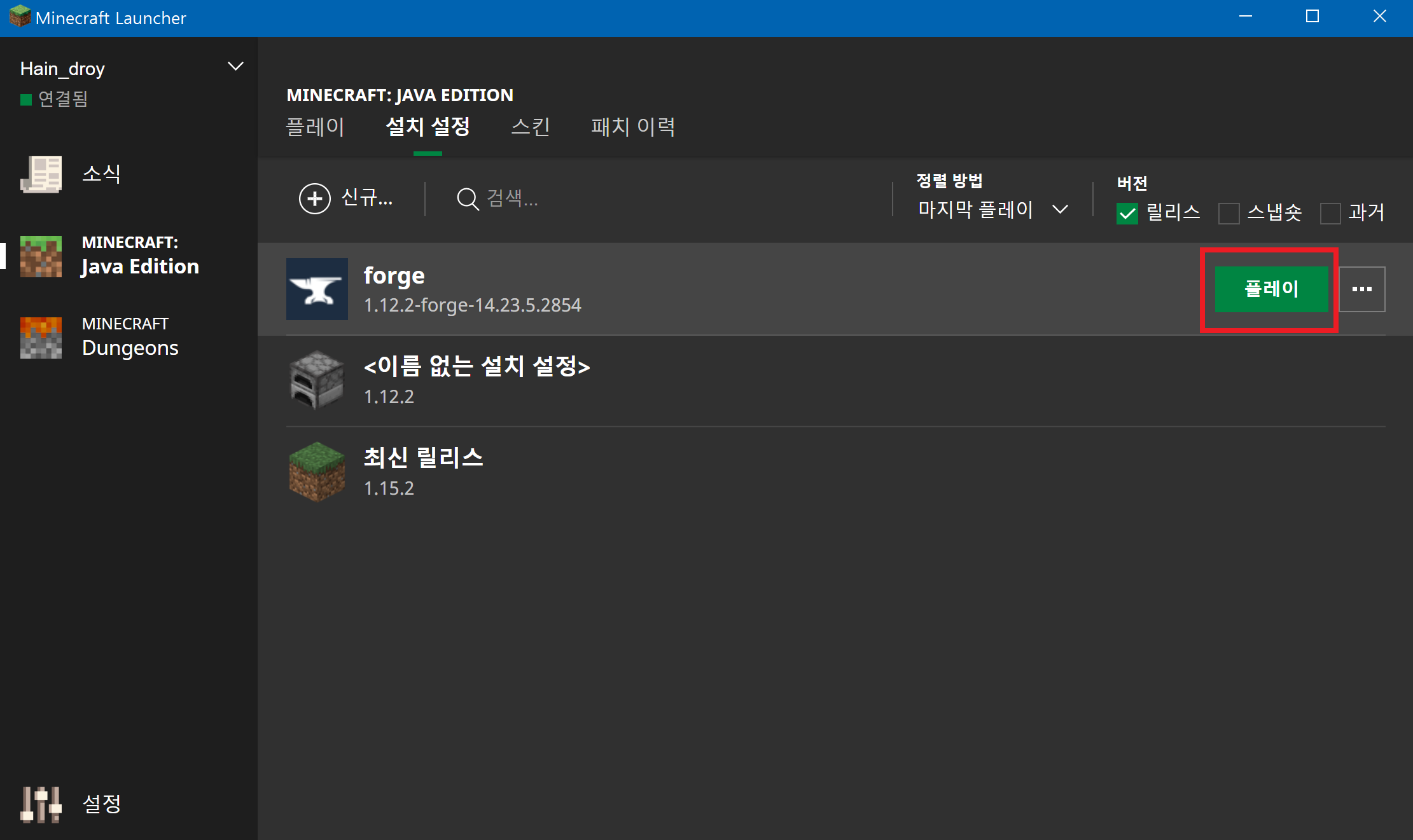
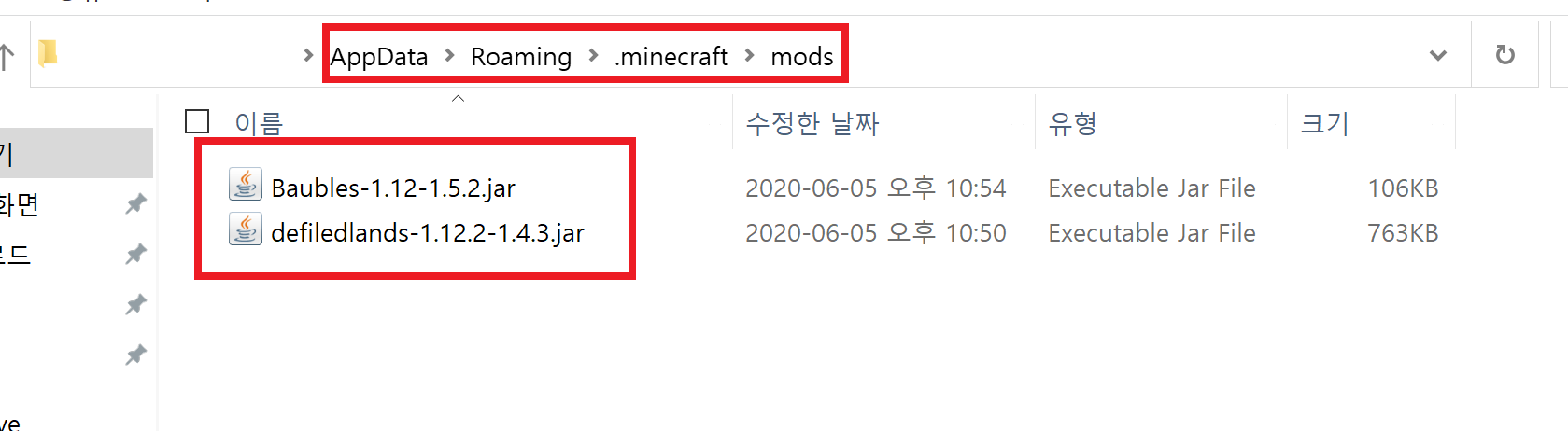
Next, put the mods you want to play with into the mods folder inside your Minecraft folder.
The path is \AppData\Roaming\.minecraft\mods. That’s where the files go.
Now launch Minecraft and check for any mod conflicts.
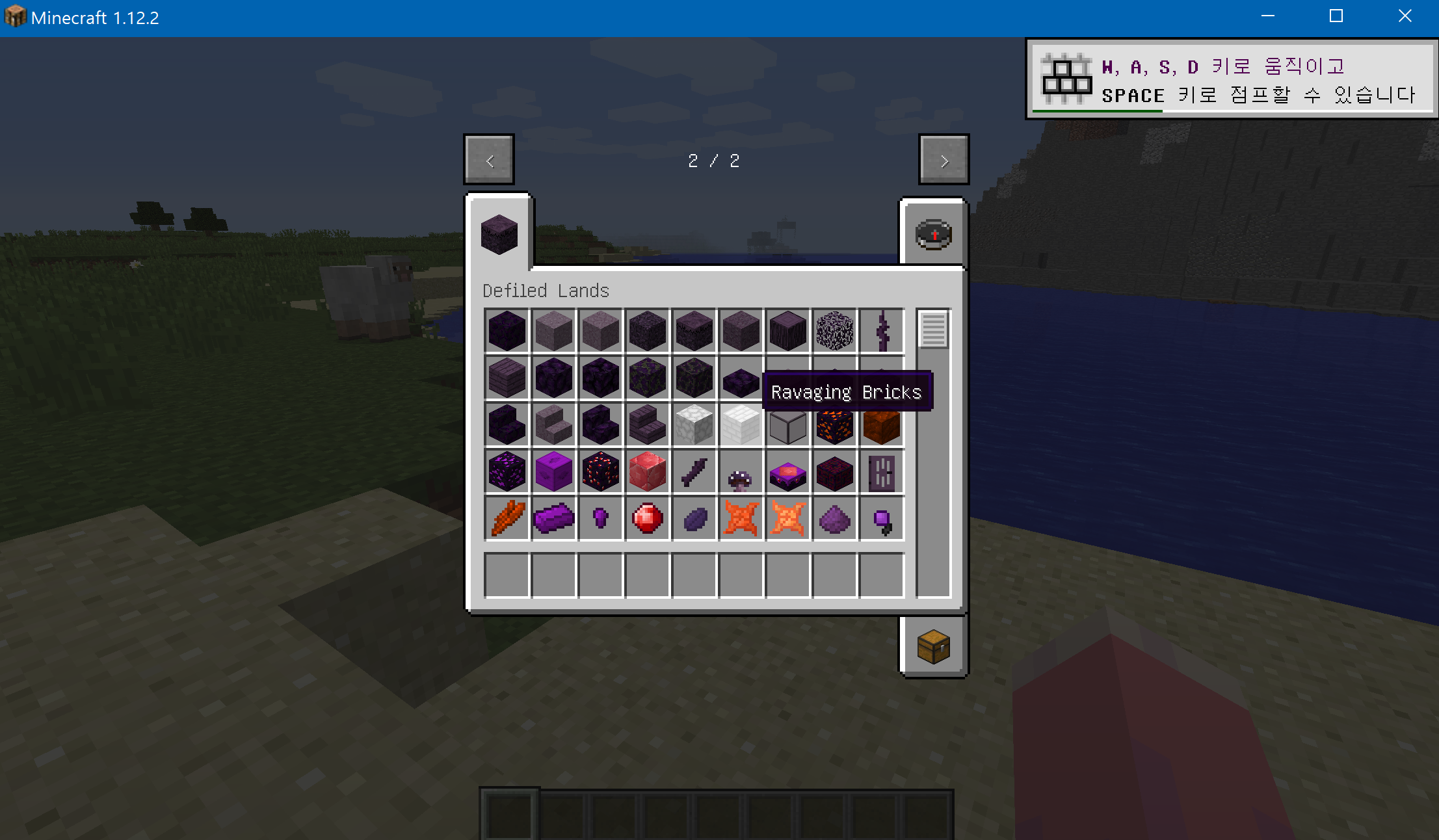
I checked, and Minecraft ran without any conflicts for me!!
Now we’re finally ready to add the mods to the server.
The server software I’m using this time is CatServer. I’d heard it was really good, so I gave it a try myself.
https://www.koreaminecraft.net/index.php?mid=bukkit&category=426573&document_srl=1145216
CatServer :: Modded server software for newer Minecraft versions! - Bukkit - Korean Minecraft Forum
This server software combines Forge + Bukkit + Spigot. Forge lets you use mods, and Bukkit lets you use Bukkit-based plugins. In short, it’s a Bukkit server that supports mods! The async version…
www.koreaminecraft.net
This is the official site, and it’s where I downloaded the version I used.
The setup on Google Cloud is the same as for the other servers, so https://harineubo.tistory.com/8?category=792392
take a look at this post!!
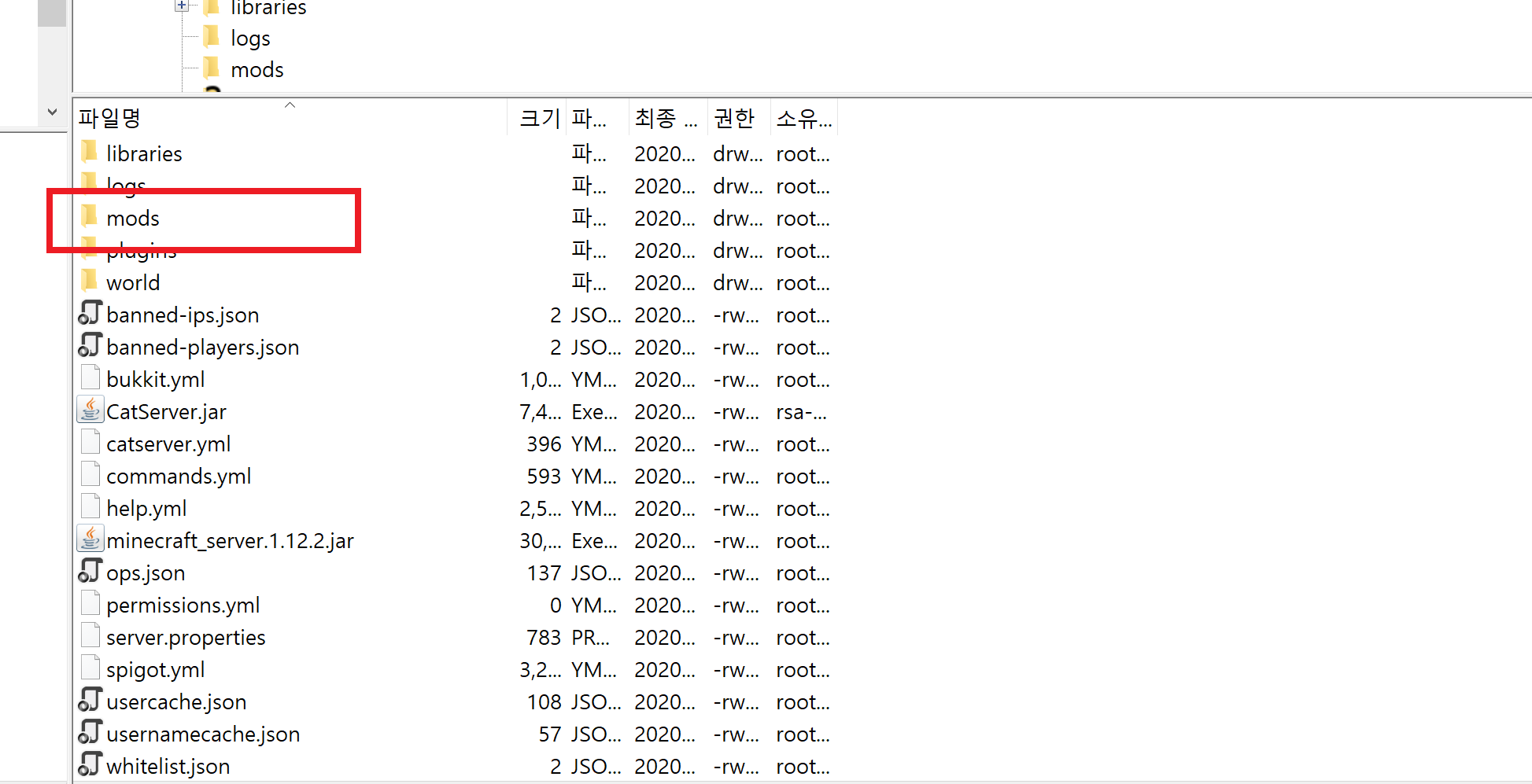
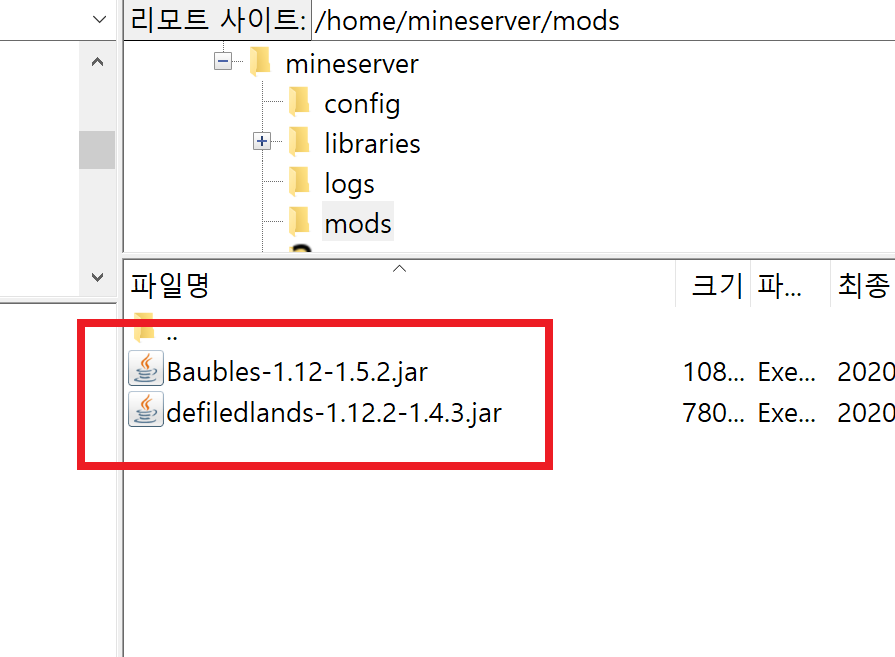
Here you can see the mods I downloaded are in the modded server folder.
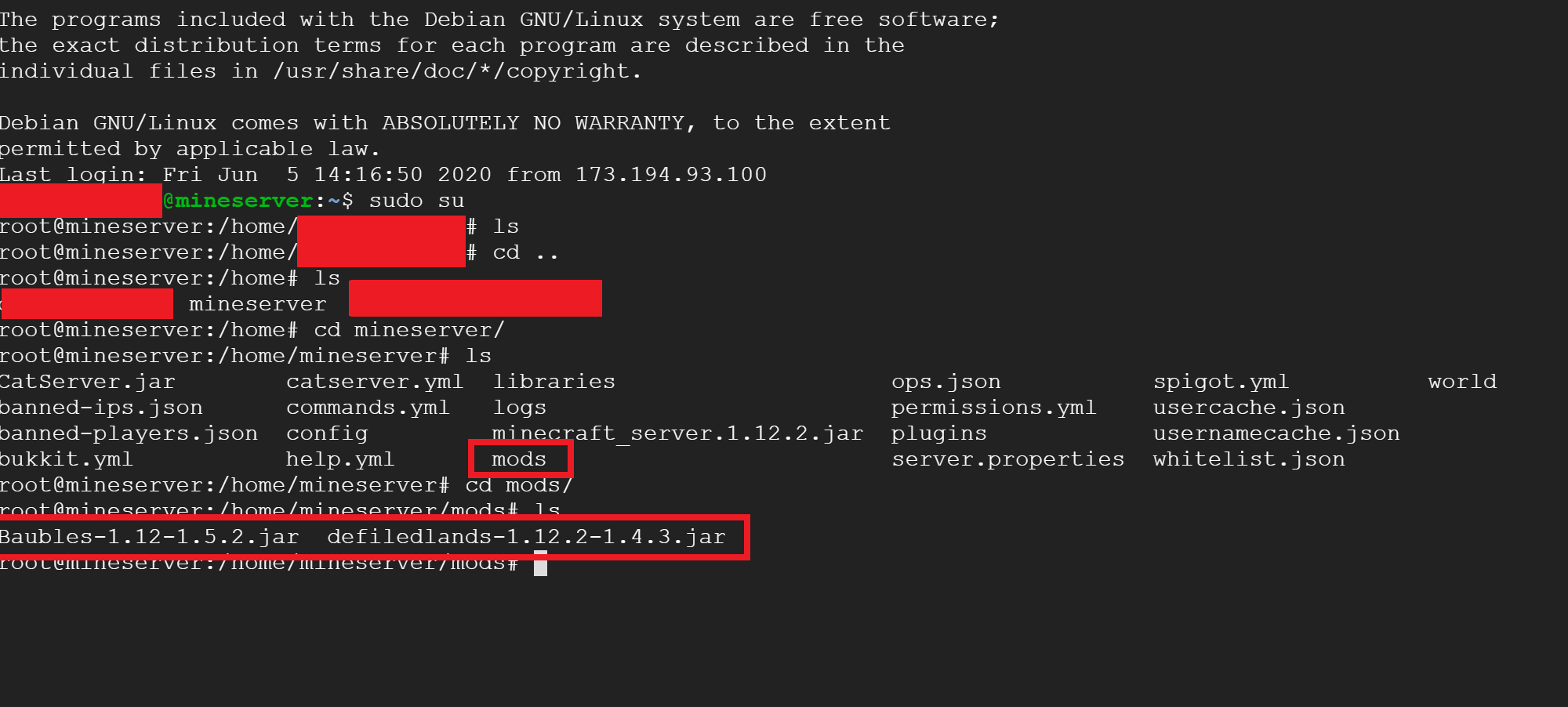
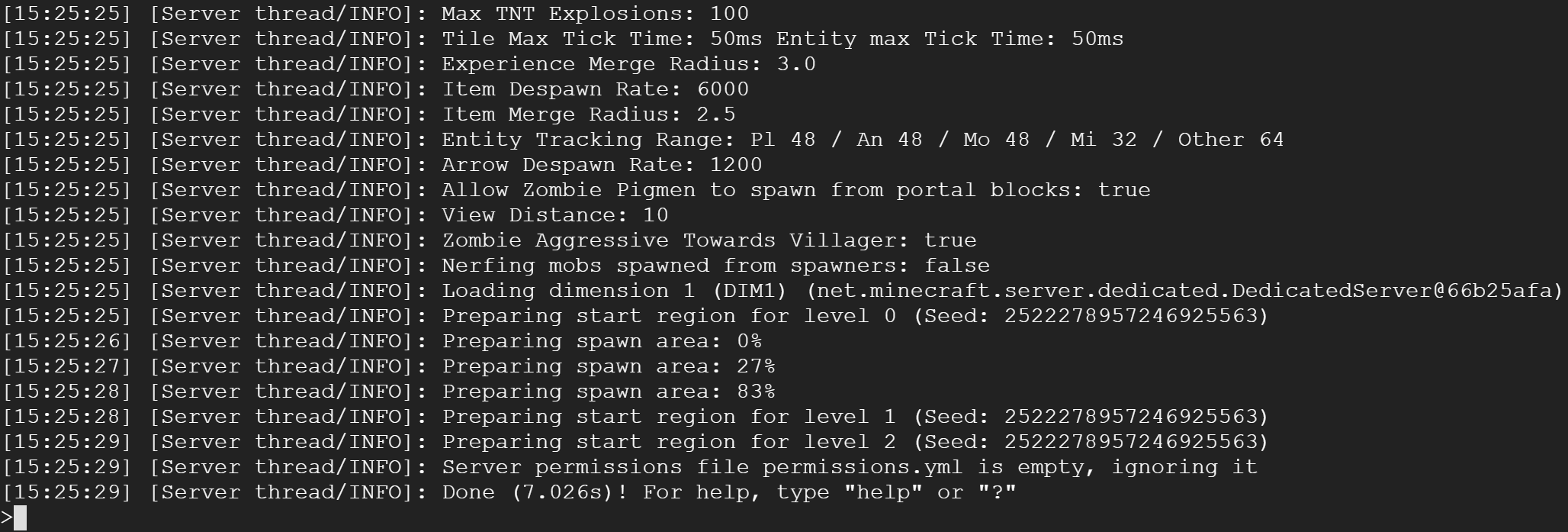
And the server started up just fine!!!
Now I’ll launch Minecraft!!
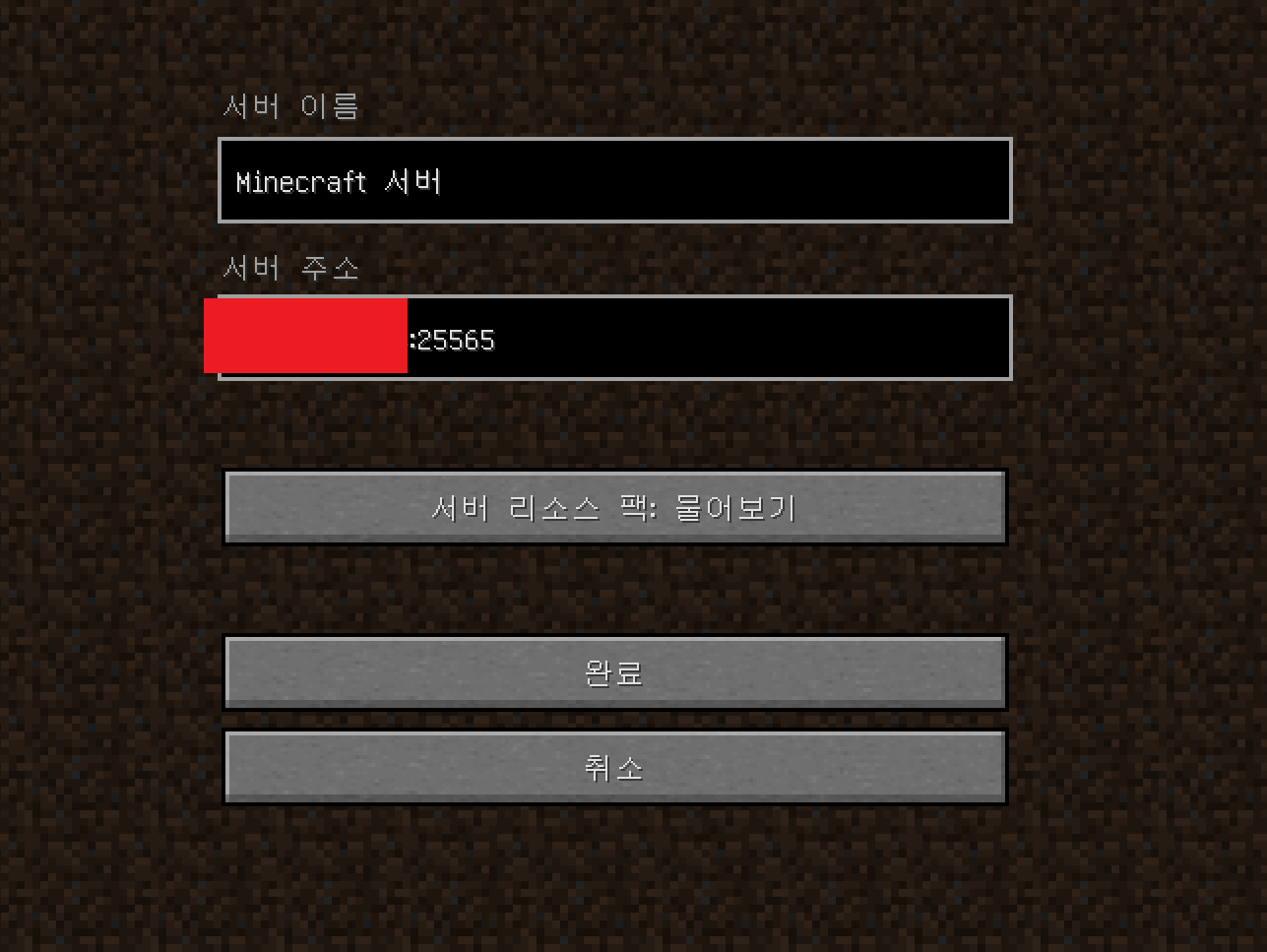
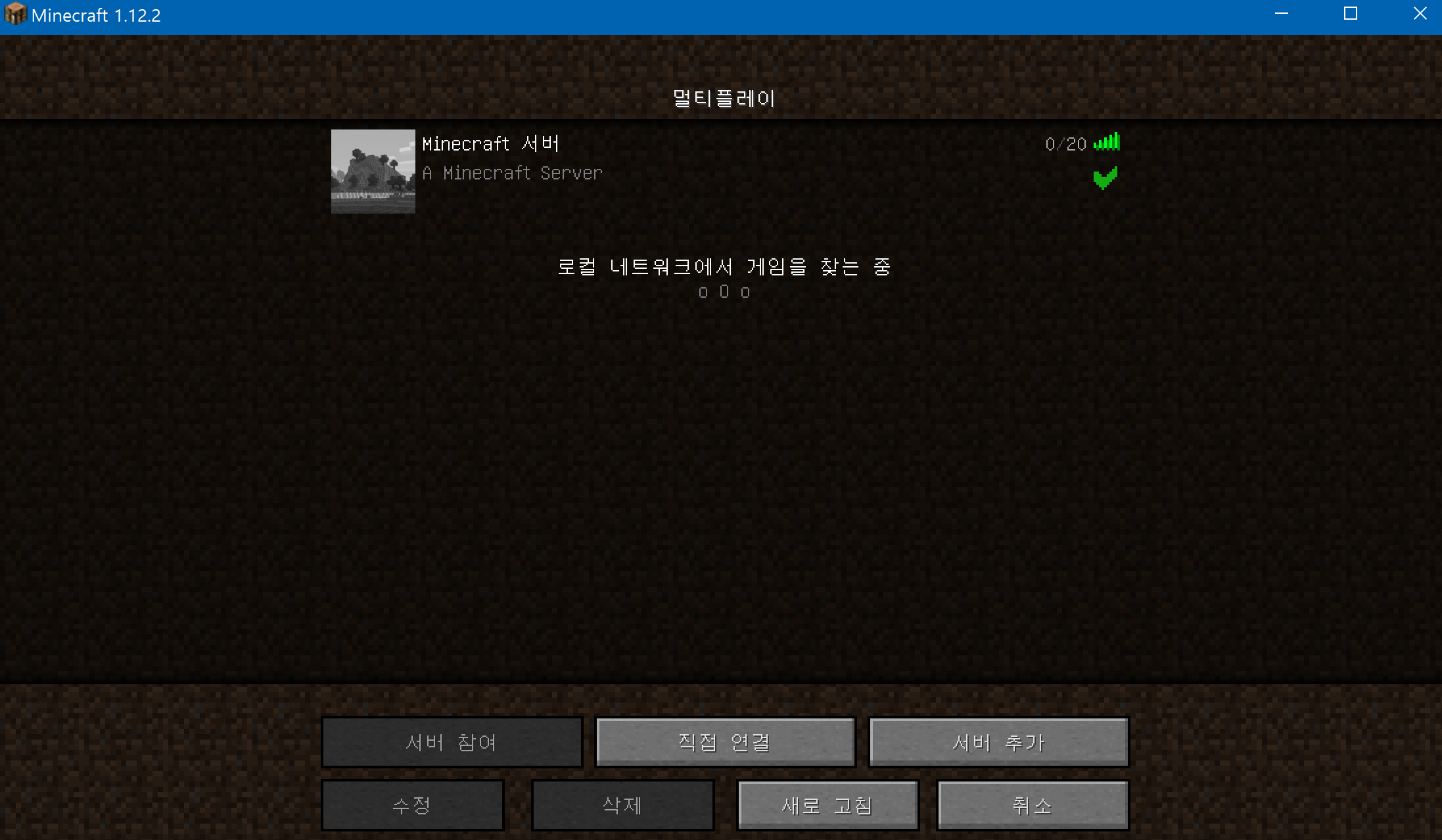
Minecraft connected to the server just fine, so now I’ll try joining the game.
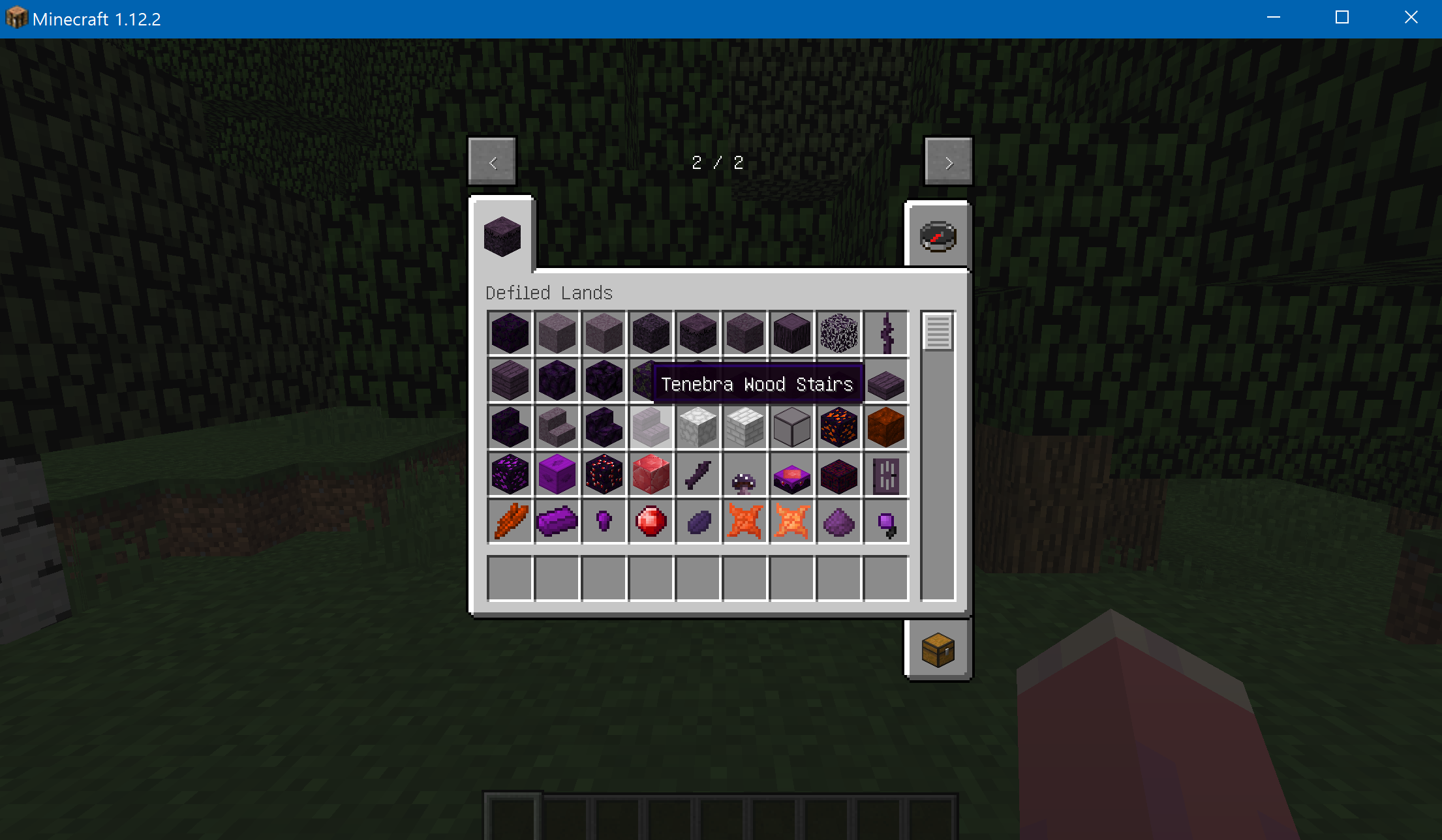

I was able to join the server!!
Most of the Bukkit builds currently available for newer Minecraft versions are unstable, and there are quite a few mods they don’t support. So while I can’t promise every mod will work in multiplayer,
I hope this post helps~!
I noticed Debian 10 (Buster) is now available on Google Cloud. Installing Java works a little differently there, so I’ll write about that next time!!
Thanks, everyone!!
Updated 2020-06-23 11:16 PM
If you’re having trouble with installation on Debian 10, or if you couldn’t install Java or start the server,
https://harineubo.tistory.com/12 take a look at this post.
"This post is part of the Coupang Partners affiliate program, and I receive a commission through it."