Hello, everyone!
The new nas I bought after parting with my Synology ds218 arrived today.
I went for the as6602t from ASUSTOR.
(Yes, I paid for all of this myself..... My poor, hard-earned money.... The price is honestly terrifying..)
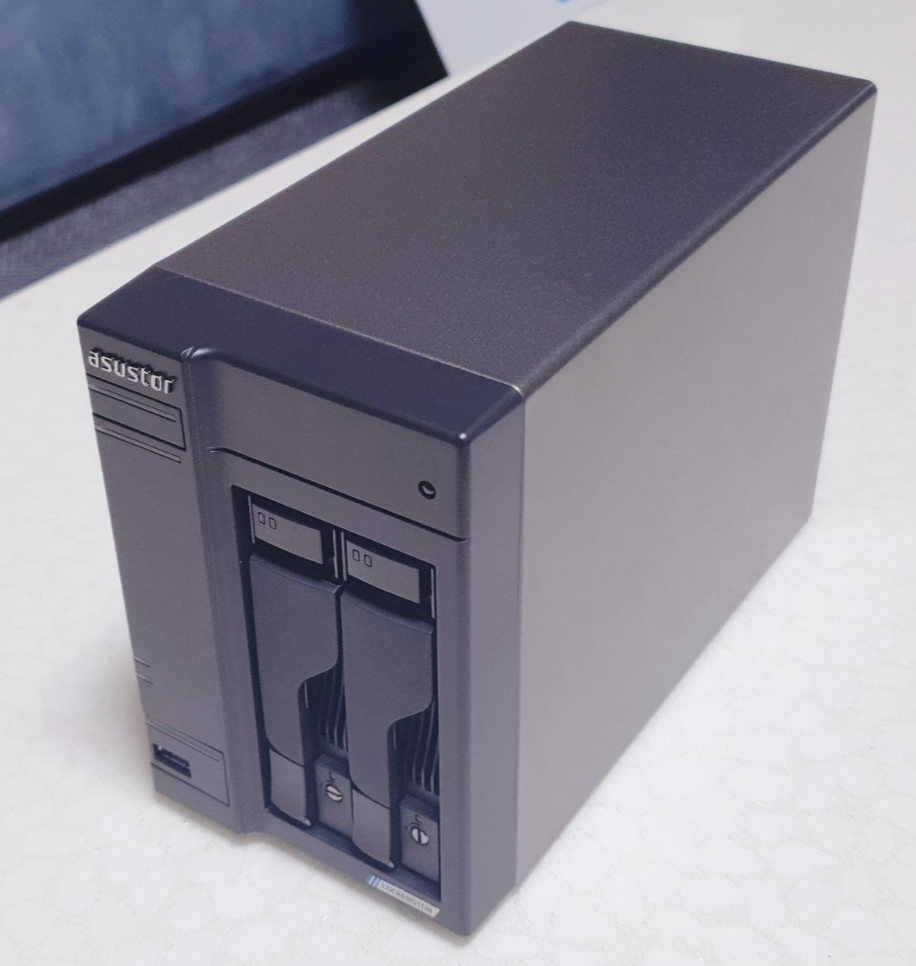
Here's a quick peek at the product before we get started.
1. Unboxing
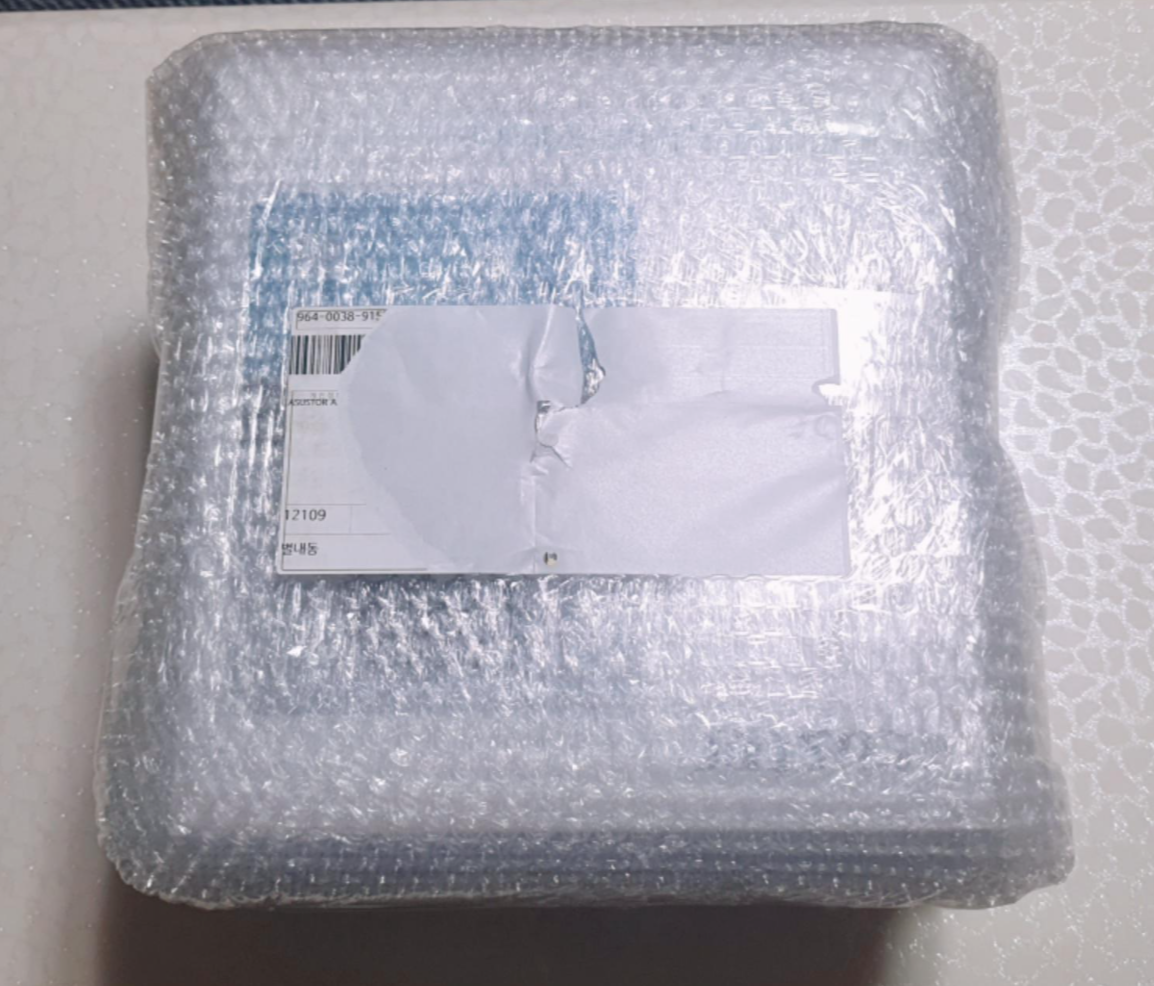
This is how it looked straight after delivery. My first thought when I received it was, 'Isn't this a bit bigger than I expected?'
Compared with the box for my old ds218, it felt about 1.5 times the size? Something like that.
(My photography really isn't doing it any favours 😅...)
Once you take off the outer bubble wrap,
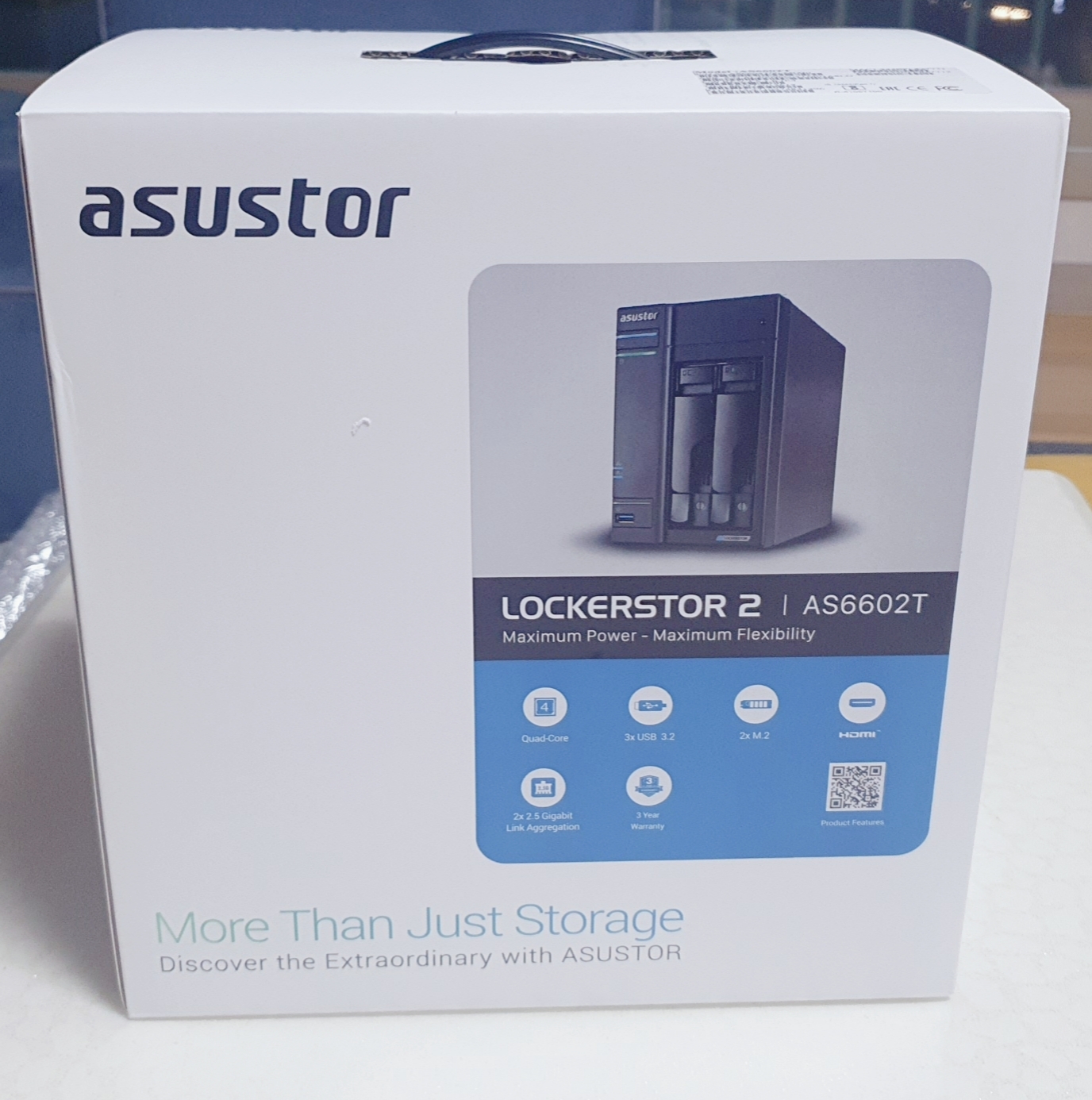
you get to the product box. It looks surprisingly neat, I think.
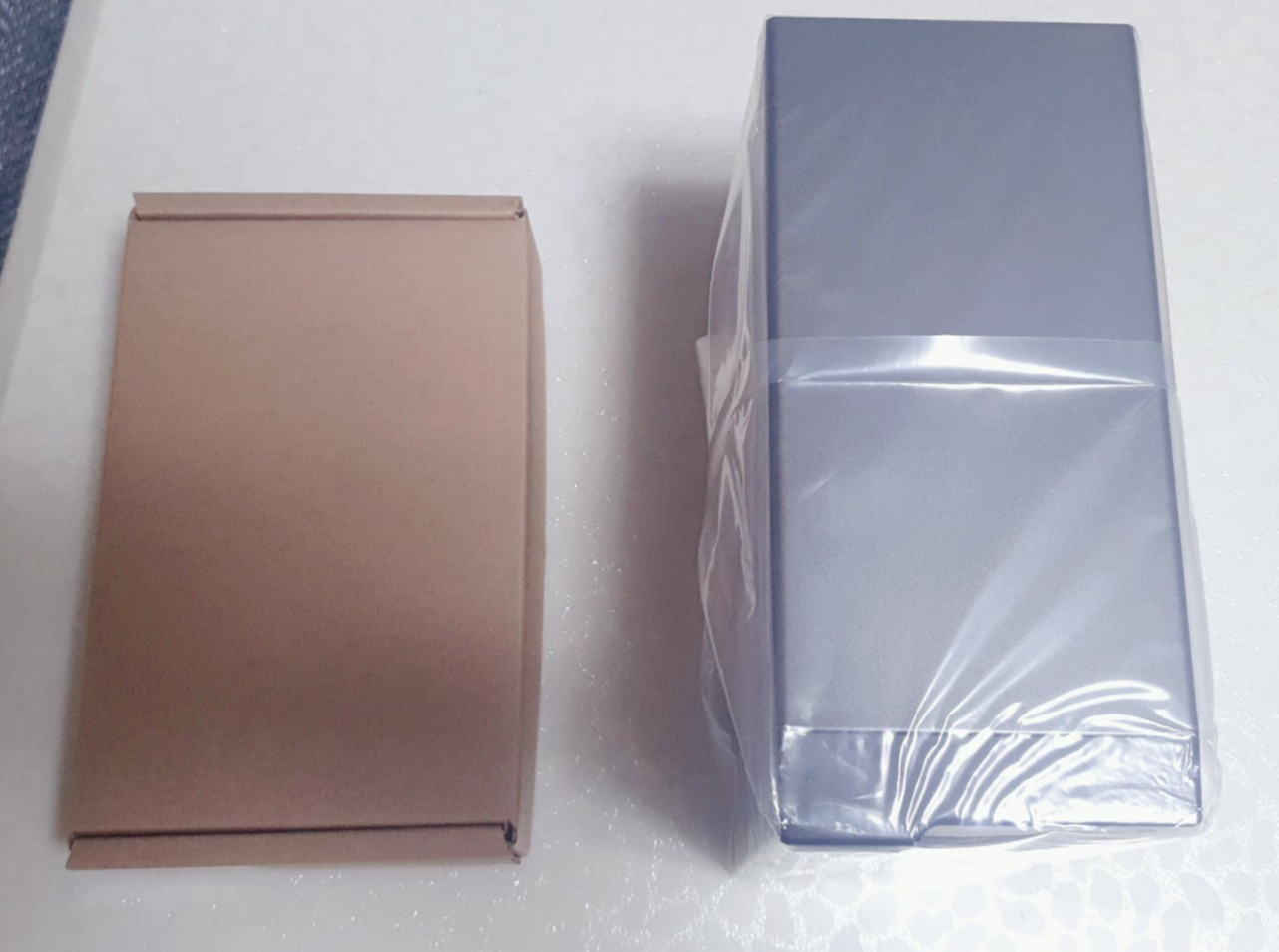
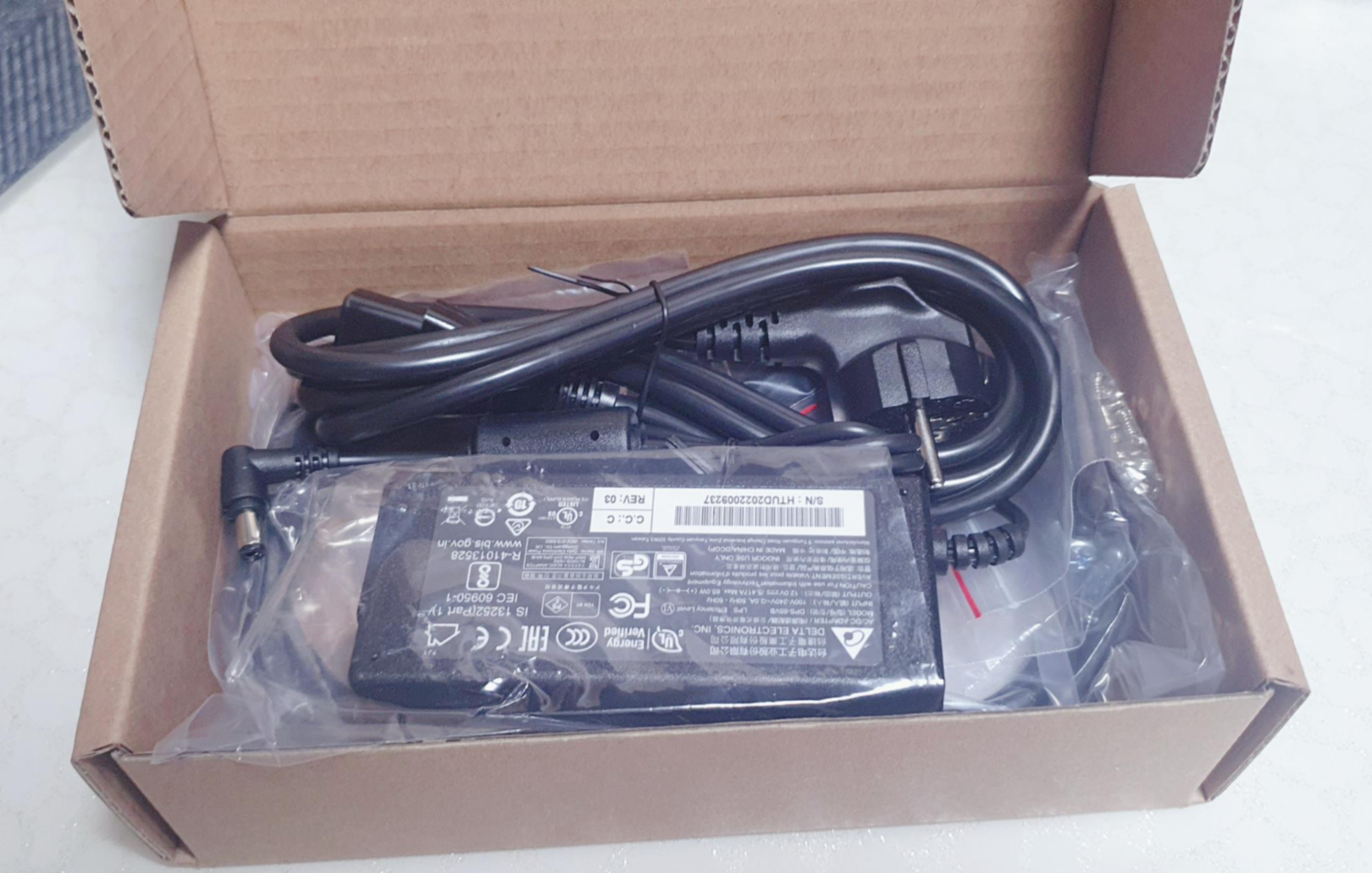
Inside are the nas itself and a box containing the cables and accessories.
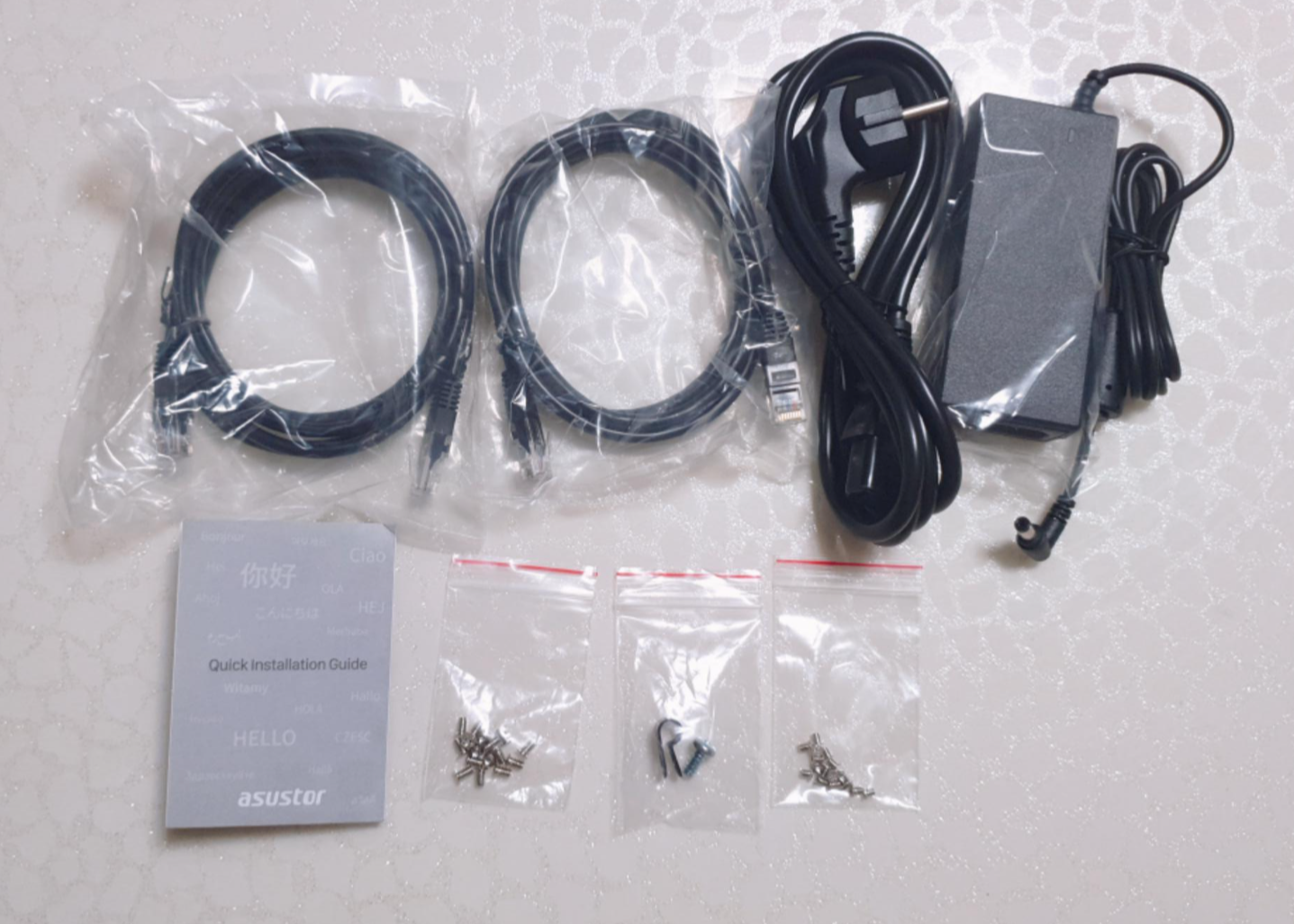
The accessory box holds the power cable, two network cables, 8 thumbscrews for 3.5-inch HDDs and 8 for 2.5-inch HDDs or SDDs,
along with the manual and one other thing I couldn't quite identify.
Looking at it all laid out like this, it's a pretty simple set of accessories.
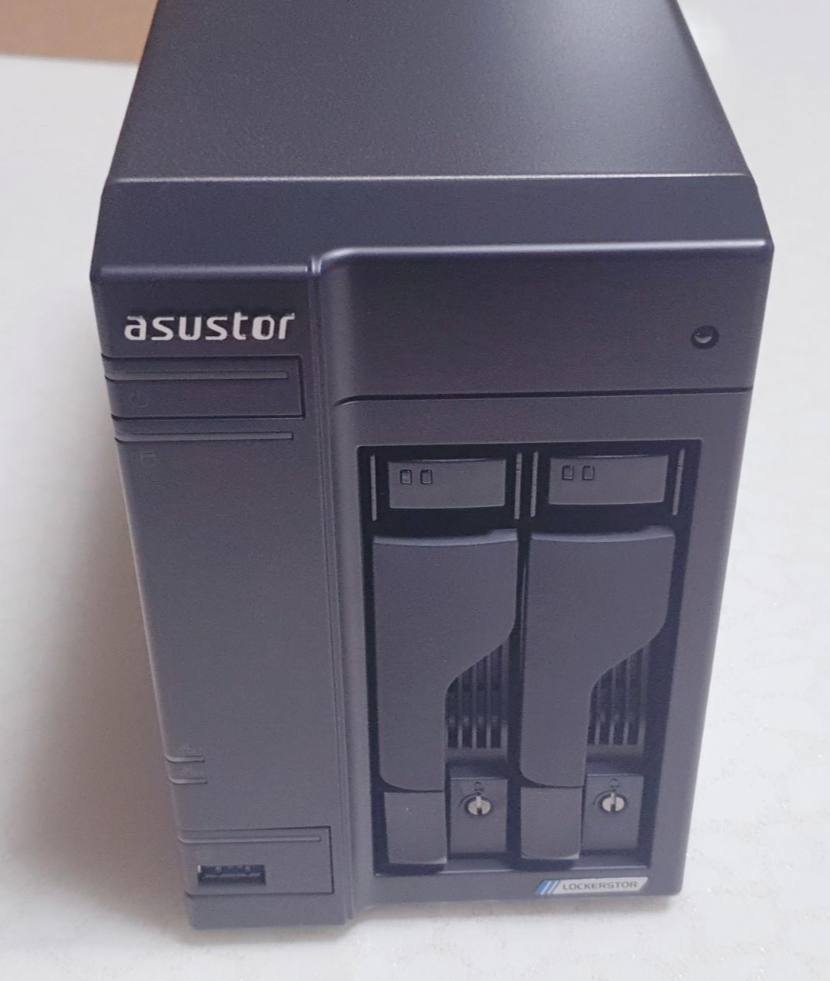
This is what the unit looks like once you remove its plastic covering.
As for taking the drive trays out,
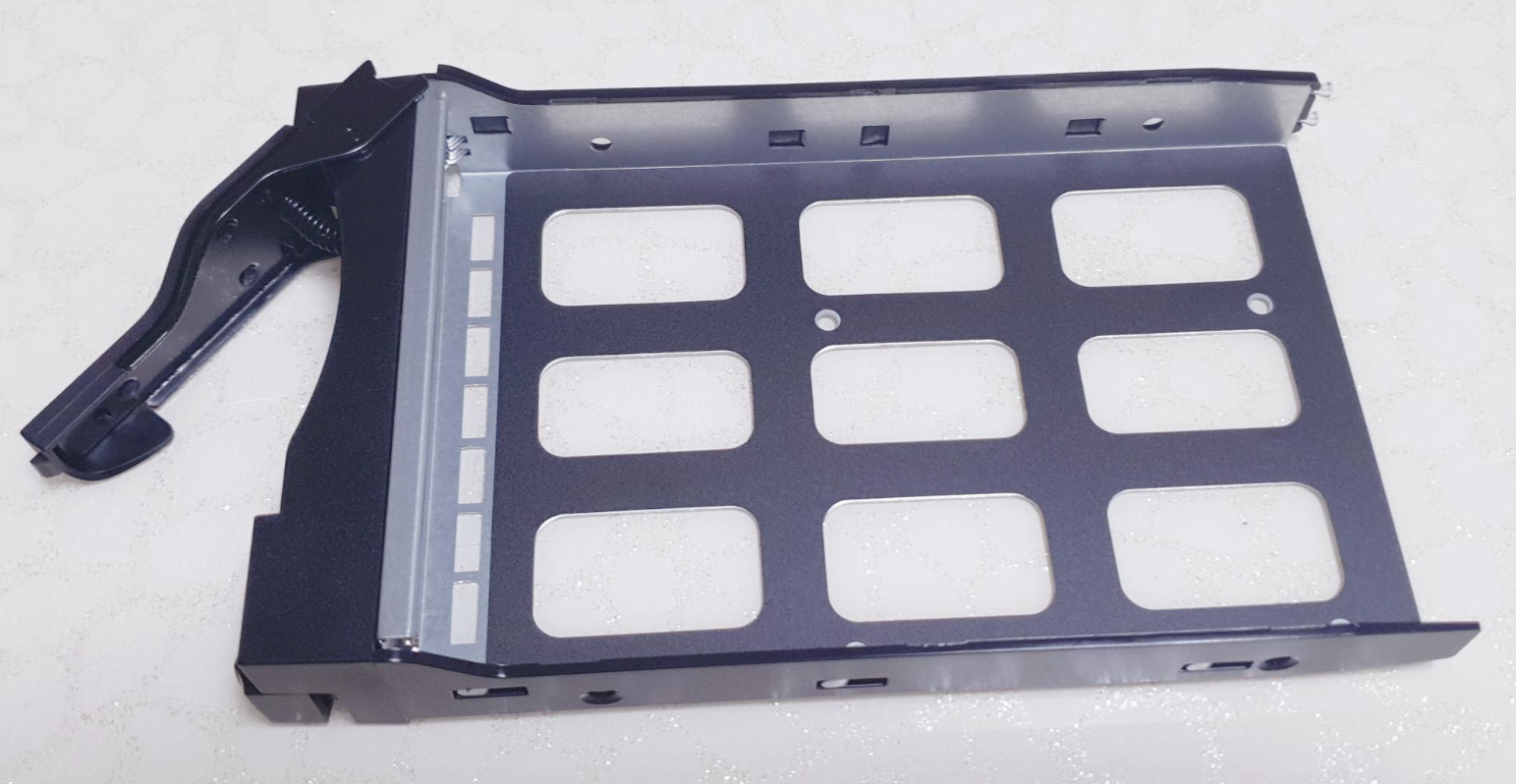
press the bit at the bottom and it pops open like this, so you can pull the tray out.
It does seem that spending a little more or moving up a tier makes things easier to remove and fit.
The ds218 wasn't particularly inconvenient either, since you didn't have to take the whole thing apart, but this system
is definitely even easier.
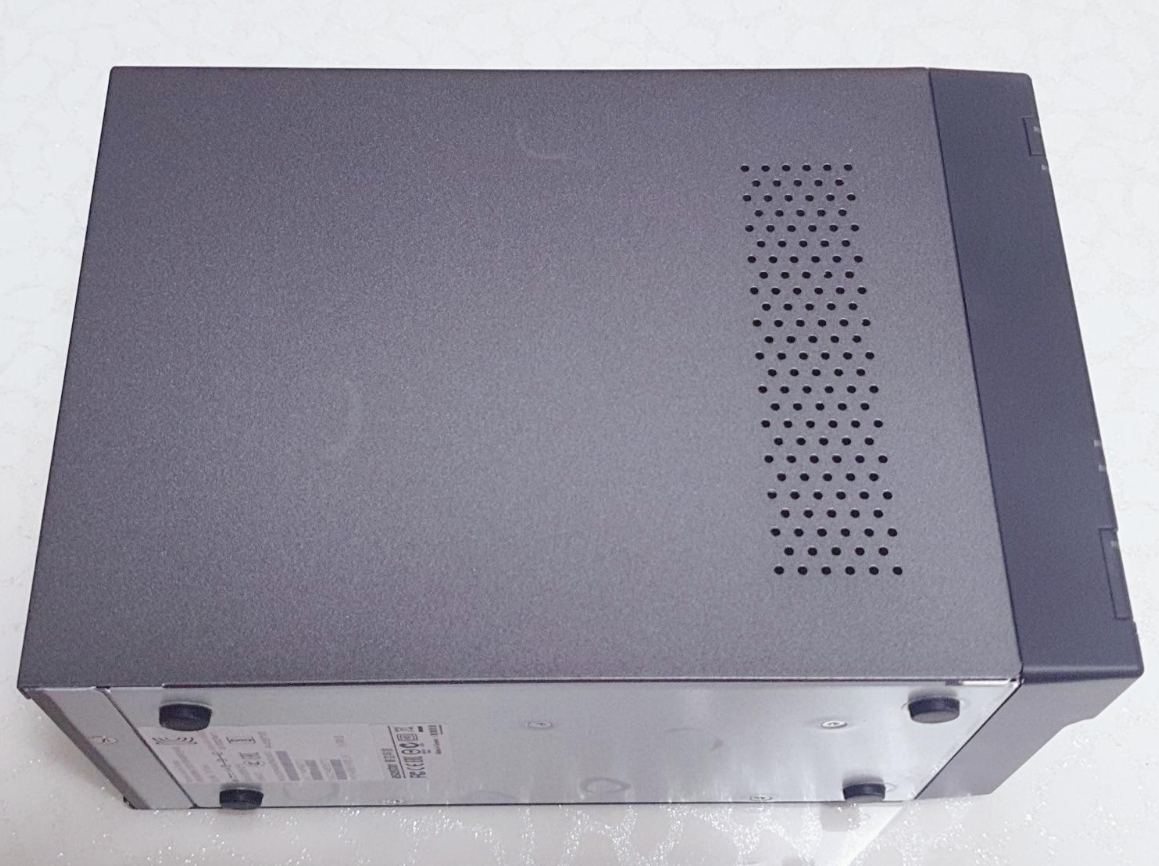
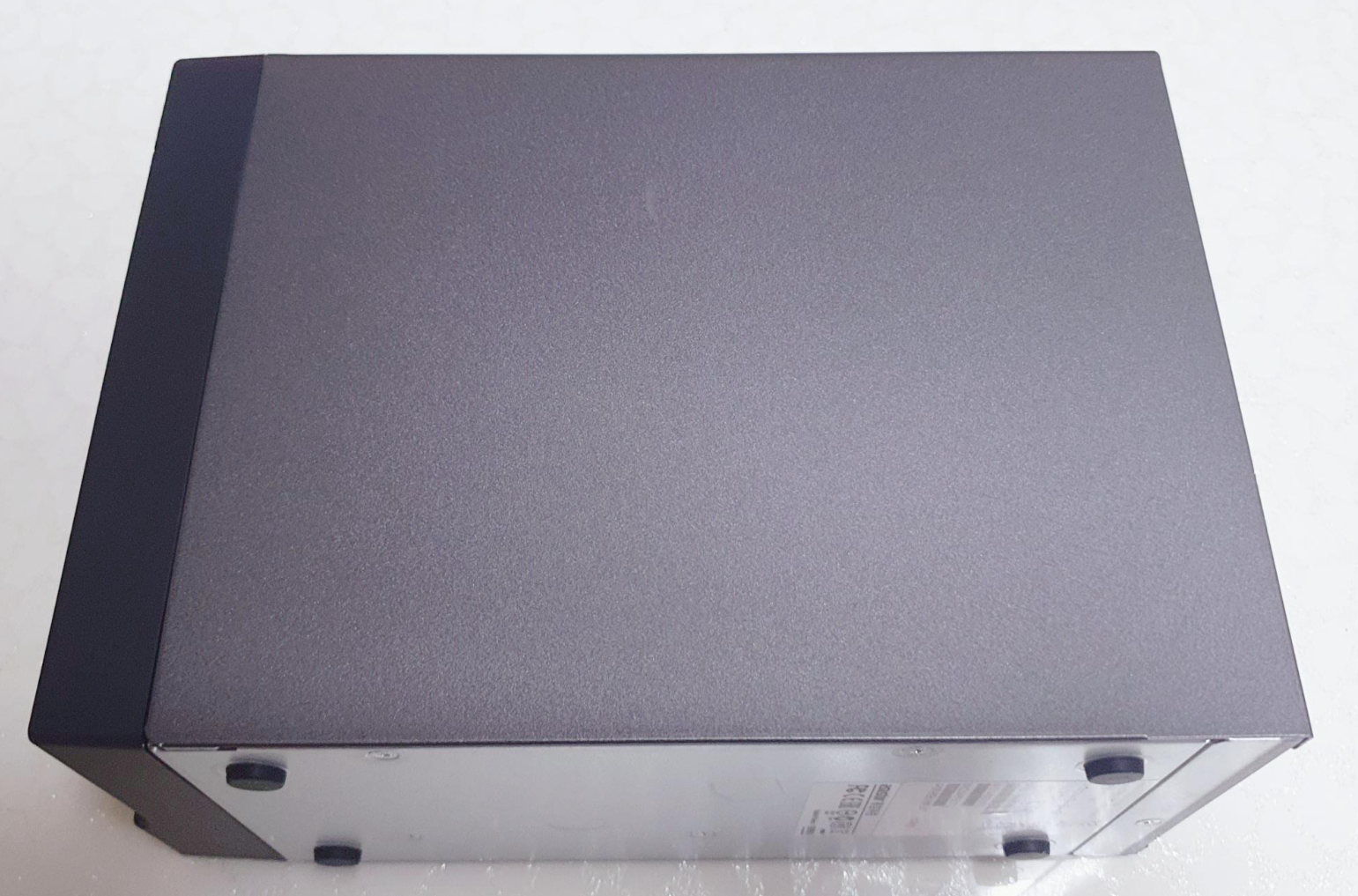
There are ventilation holes on the left side of the unit, while the other side is plain and smooth.
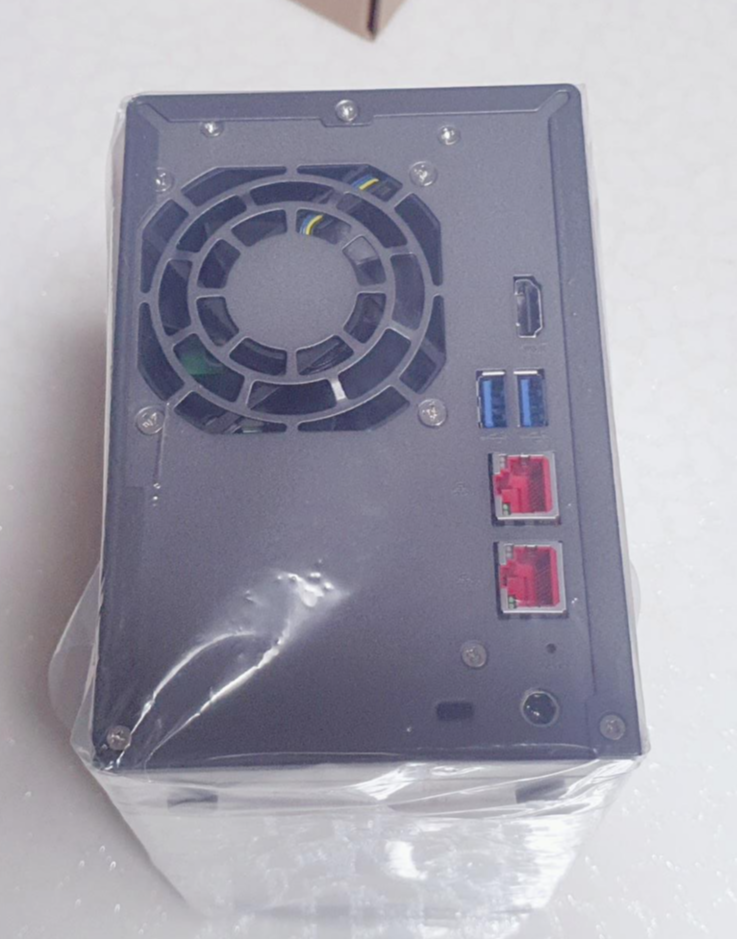
On the back, there's a cooling fan,
two 2.5 Gigabit Ethernet ports,
and two usb 3.2 ports, with one more port at the front.
There's also an HDMI port for an external display.
(Oh, and in case anyone makes the same mistake I did: underneath the nas's hdd bays, there's a locking mechanism,
but it's meant to stop you accidentally pressing the release and disconnecting a drive, rather than to provide security, so it doesn't come with a key.
You just turn it with a flathead screwdriver to lock it.)
2. Specifications
Let's have a look at the specifications.
The CPU is an Intel Celeron J4125, a quad-core chip running at 2.0Ghz and up to 2.7Ghz.
It comes with 4GB of memory and has 2 slots in total, so you can expand it to 8GB with 4GB x 2.
The 2 drive bays take 3.5-inch HDDs or 2.5-inch SSDs.
It also has M.2 slots for NVMe SSDs.
As we saw earlier, it has 3 USB 3.2 Gen 1 ports,
two 2.5 Gigabit network connections and an HDMI 2.0 port.
It has one 70mm system fan, and the power adapter is rated at 65W.
The unit weighs 2kg. It's not as heavy as you might expect, though it's certainly not featherlight either.
Visit www.asustor.com/product/spec?p_id=68 for the full product specifications.
The specifications on the product page list power consumption as 15.9W during operation and 9.2W in power-saving mode,
with 0.66W in sleep mode. If those figures are accurate, the electricity cost would be next to nothing,
so I think I could use it without worrying about that.
That wraps up the unboxing.
Thanks for reading my little write-up.